Toggle devices in the app on the left and watch the rooms respond in real-time. Try turning lights on/off, adjusting fan speeds, or activating scenes like "Movie Night".
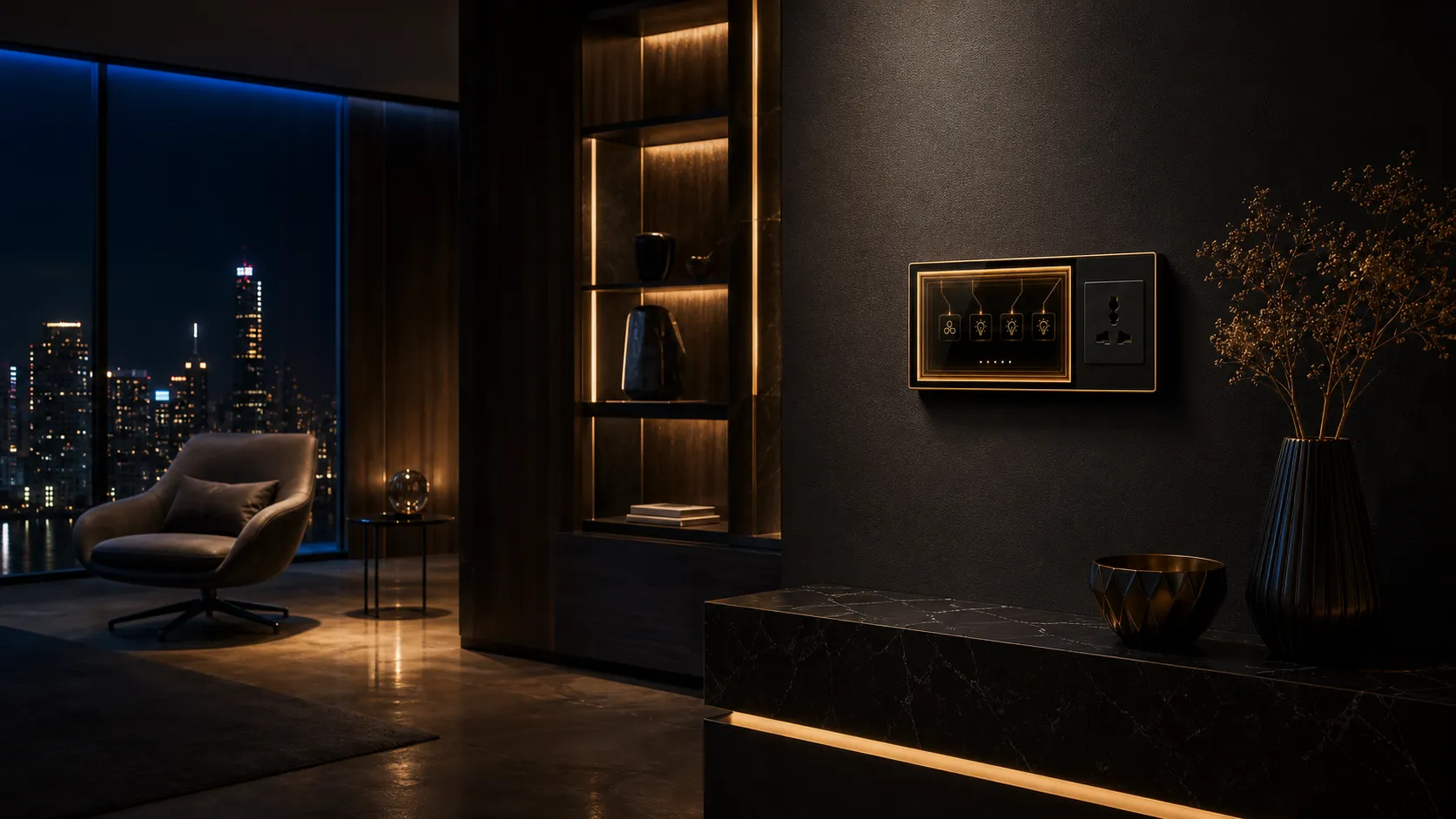
Living Room Intelligence
The heart of your smart home. Toggle the living room lights, adjust the fan speed, and watch the room transform. Try activating the "Movie Night" scene — lights dim, TV turns on, and the ambiance shifts instantly.
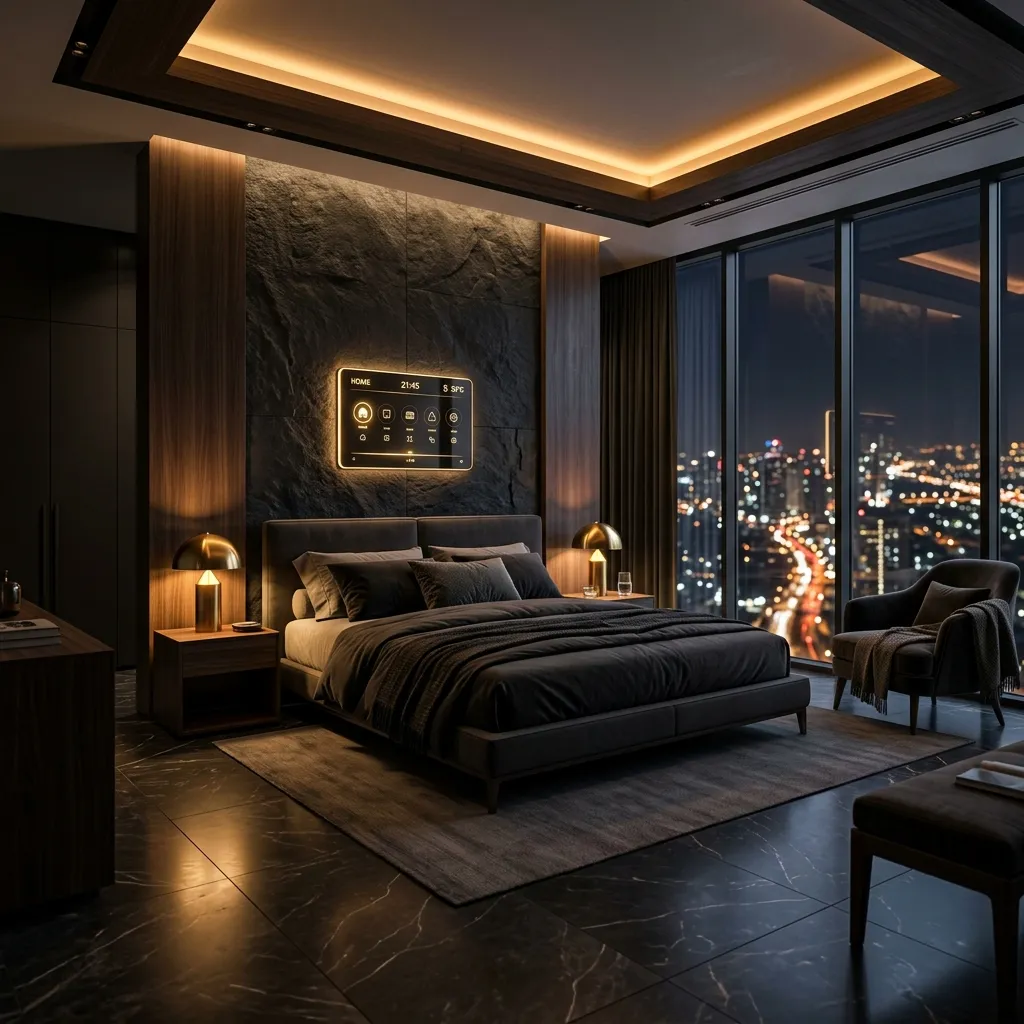
Your Sleep Sanctuary
Toggle the bedroom light to see the room transform between ambient warmth and peaceful darkness. Activate the "Good Night" scene to watch everything power down for rest.
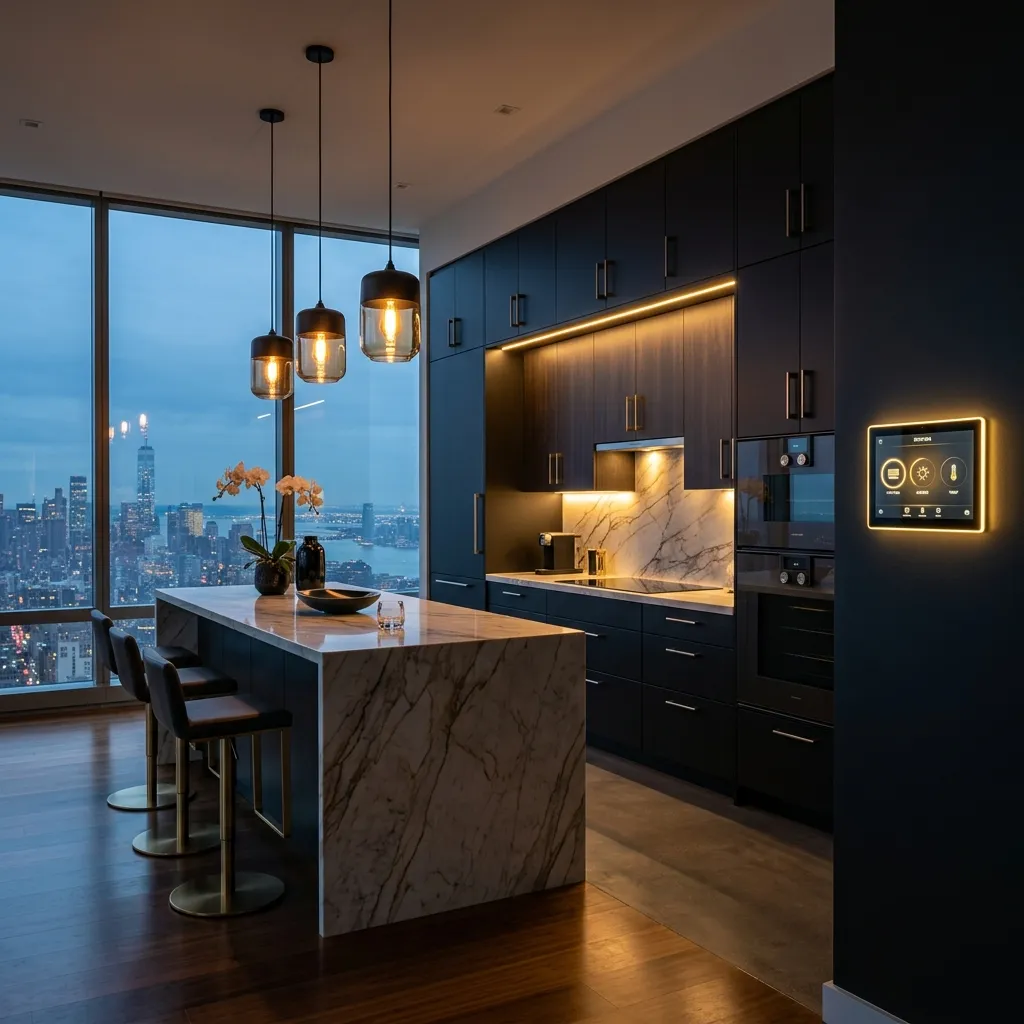
Culinary Command Center
Toggle the kitchen light and exhaust fan. When the light turns off, the kitchen goes dark. The exhaust fan badge shows its real-time running status.
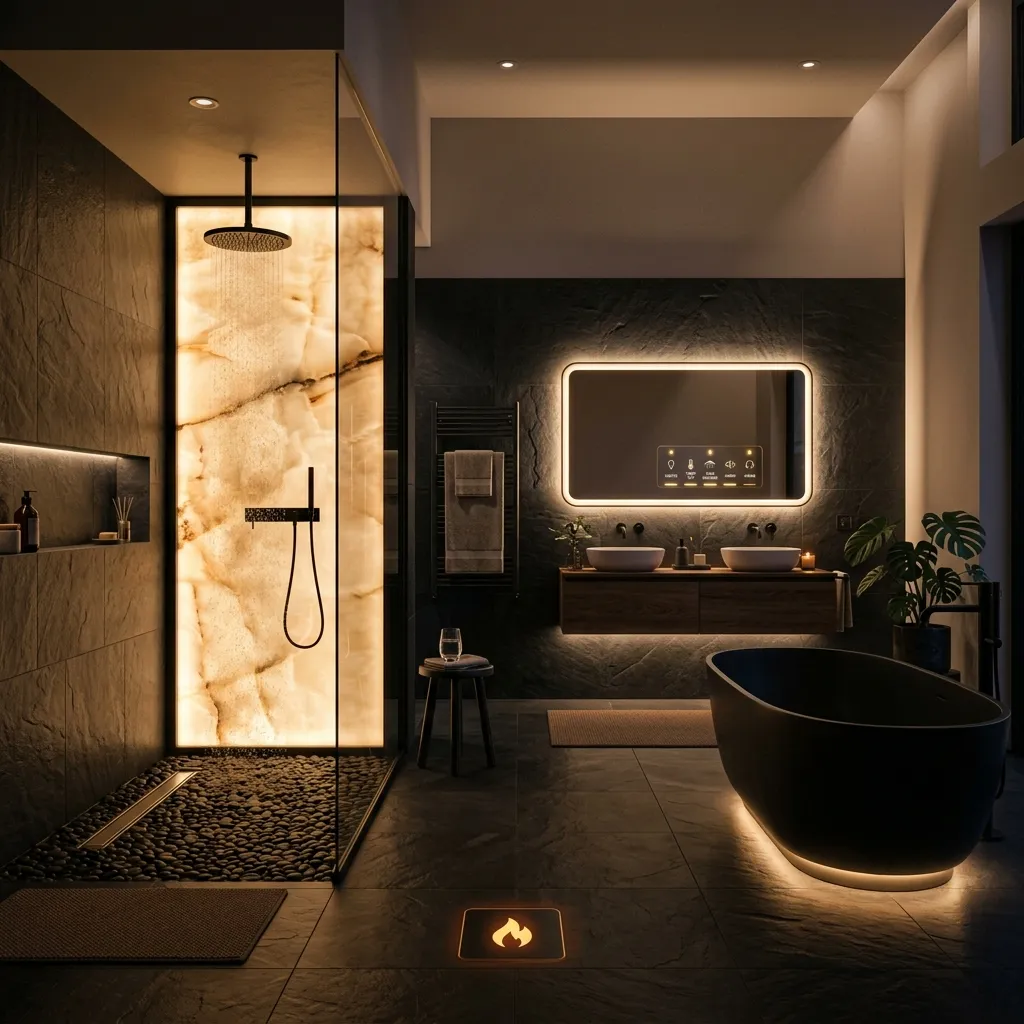
Automatic Comfort
This is where motion sensors shine. Toggle the bathroom light and fan — in real installation, these activate automatically when you walk in. The geyser status is tracked too.